How to Create UTM Links for Instagram: A Practical Tracking Guide
Learn how to create UTM links for Instagram so you can distinguish traffic from your bio, organic posts and paid campaigns using a consistent tracking structure.
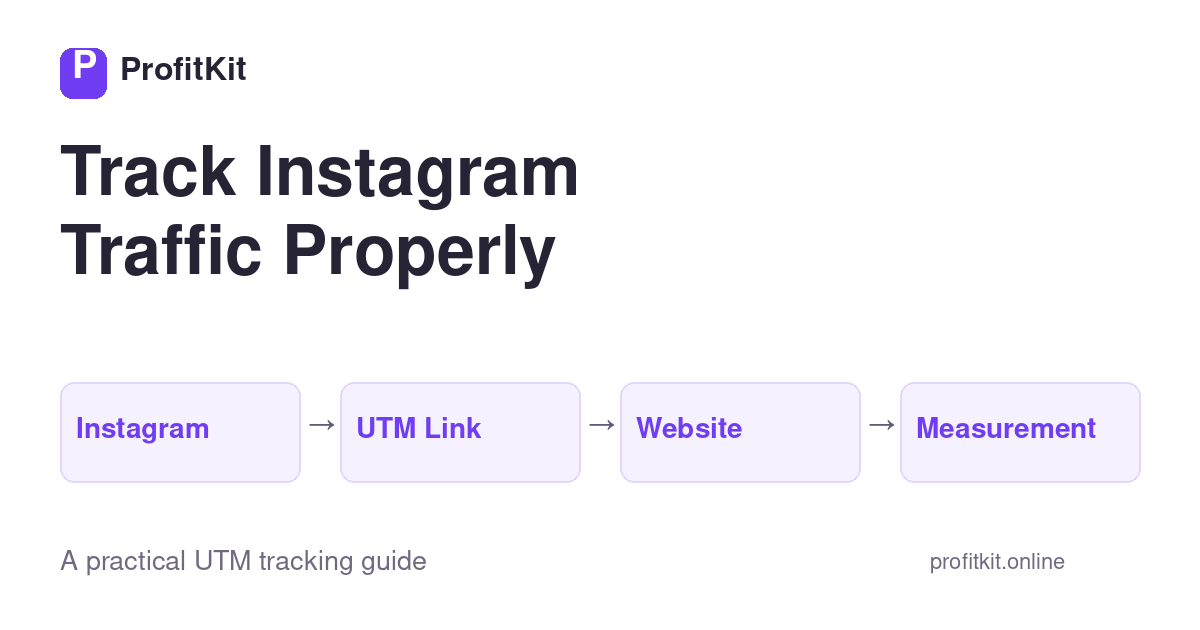
You publish content on Instagram.
Someone clicks your link and visits your website.
But later, you want to answer a more useful question:
Which Instagram activity generated that traffic?
Was it your profile link?
A particular campaign?
An organic social post?
A paid Instagram campaign?
Using consistent UTM parameters can help you label those links so your analytics setup has more information about where visits originated.
Here’s how to build a practical Instagram UTM structure without making campaign tracking unnecessarily complicated.
What Is an Instagram UTM Link?
An Instagram UTM link is simply a destination URL with campaign-tracking parameters attached.
For example, instead of:
you might use:
Both links point to the same destination.
The second link contains additional information describing how you’ve classified the visit.
The parameters don’t change the content of the destination page.
They help identify the marketing context behind the click.
The Main UTM Parameters
For most Instagram tracking, you’ll work with some combination of:
utm_source
Identifies the source.
For Instagram:
utm_medium
Identifies the marketing channel/type.
For organic Instagram activity, you might choose:
For paid social campaigns, your convention might instead use:
utm_campaign
Identifies the broader campaign or marketing initiative.
For example:
utm_content
Can distinguish individual links, posts, creatives or placements.
For example:
If you’re new to UTM tracking, our guide UTM Parameters Explained covers the five standard parameters in more detail.
A Simple Instagram UTM Structure
Let’s imagine you’re promoting a free marketing tool through Instagram.
You could define:
- Source: instagram
- Medium: organic_social
- Campaign: tool_launch
- Content: post_01
The resulting URL could look like:
This structure lets you preserve the broader campaign while identifying Instagram as the source and the individual post as the content variation.
Tracking an Instagram Profile Link
Suppose your Instagram profile links to your main website.
You could use:
- Source: instagram
- Medium: organic_social
- Campaign: profile
- Content: bio_link
Example:
This gives the persistent profile link its own recognizable tracking structure.
If you later promote specific campaigns through other Instagram placements, you can use different campaign/content values.
Tracking an Organic Instagram Campaign
Suppose you’re publishing educational posts around campaign profitability.
Your campaign might be:
Post #1:
Post #2:
Post #3:
Now all three pieces belong to the same campaign while remaining distinguishable.
Instagram Organic vs Paid Traffic
It’s useful to distinguish organic and paid activity.
One simple convention could be:
Organic
Paid
This lets the source remain Instagram while the medium describes the acquisition method.
The exact naming convention is your decision.
What’s important is that your organization uses it consistently.
Don’t use:
for one campaign and:
for the next unless you intentionally want them categorized differently.
How to Track Different Instagram Posts
This is where utm_content becomes particularly useful.
Imagine five Instagram posts all promote the same campaign.
Instead of creating five unrelated campaign names, you can keep:
and change:
That gives you a consistent campaign structure while preserving information about the individual content execution.
How ProfitKit Tracks Its Own Instagram Content
We can apply the same methodology to ProfitKit’s own marketing.
For example, a ProfitKit Instagram post promoting the UTM Builder could use:
A different Instagram post within the same educational campaign might become:
This creates a cleaner dataset for evaluating which content sends visitors to ProfitKit.
It also illustrates an important principle:
Your UTM system doesn’t need to be complicated to be useful.
It needs to be consistent.
Should Every Instagram Link Have a Different Campaign Name?
No.
This can actually make reporting harder.
Consider these three posts:
You’ve technically distinguished the posts, but you’ve lost the broader campaign grouping.
A cleaner structure might be:
Campaign: utm_education
and then:
- Content: post_01
- Content: post_02
- Content: post_03
Now you can analyze the campaign collectively while still distinguishing the individual posts.
Create a Naming Convention Before You Scale
A simple structure might be:
Source
Platform:
Medium
Traffic type:
Campaign
Marketing initiative:
Content
Specific execution:
The exact labels aren’t universal.
What matters is establishing rules before dozens or hundreds of links exist.
A simple naming convention today can prevent messy reporting later.
Common Instagram UTM Mistakes
Mixing uppercase and lowercase
Avoid using:
in one campaign and:
in another.
Use a consistent format.
Lowercase is often easier to maintain.
Using vague campaign names
won’t mean much six months from now.
Prefer descriptive names such as:
or:
Putting everything into utm_campaign
Don’t force source, placement, creative and campaign information into one huge parameter.
Each UTM field has a purpose.
Changing conventions frequently
Consistency becomes increasingly valuable as your dataset grows.
Define the system first.
Forgetting to distinguish content
If several posts promote the same campaign, utm_content can help distinguish the individual executions.
UTMs Don’t Replace Platform Analytics
UTM parameters are one piece of campaign measurement.
Instagram provides its own platform-level metrics.
Your website analytics provides another view of user behavior.
UTMs help connect the external campaign link to your website traffic classification.
Think of the measurement journey as:
The UTM is the label attached to the link—not the entire analytics system.
What Should You Measure After the Click?
Clicks alone aren’t enough.
Suppose two Instagram posts generate:
- Post A: 200 website clicks
- Post B: 80 website clicks
It would be easy to assume Post A is better.
But what if visitors from Post B complete your desired on-site action much more frequently?
For ProfitKit, for example, our broader measurement funnel can include:
That provides much more information than link clicks alone.
Your own funnel should reflect the actions that matter to your business.
From Tracking to Profitability
UTMs help identify traffic.
They don’t determine whether the campaign made money.
Once you’re running paid advertising, you may also need to connect:
For a deeper explanation, read:
How to Calculate Ad Campaign Profitability
This reflects ProfitKit’s broader approach:
Build Your Instagram UTM Link
You can manually construct UTM URLs, but consistent formatting becomes easier with a dedicated builder.
ProfitKit’s free UTM Builder lets you create campaign tracking URLs using the standard UTM parameters supported by the current V1 tool.
Enter your destination URL and campaign information, then generate your tracking link.
The Bottom Line
Instagram traffic becomes more useful when you can identify how you’ve classified where it came from.
A simple structure is often enough:
- Source: instagram
- Medium: organic_social or your chosen paid convention
- Campaign: the broader marketing initiative
- Content: the specific post, link or creative
You don’t need an overly complicated tracking framework.
You need a consistent one.
Create the convention.
Use it repeatedly.
Then evaluate what happens after people click.
Track clearly. Measure consistently. Make better decisions.